What Is a Quick Lock App Blocker?
Learn how Quick Lock works and why instant app blocking until a step goal is completed can help stop scrolling urges.
What Is a Quick Lock App Blocker?
A Quick Lock app blocker lets you block distracting apps immediately, without setting up a full schedule.
In LimitFit, Quick Lock means:
Choose a step goal, lock selected apps now, and unlock them after you move.
Why Quick Lock matters
Most bad scrolling sessions are not planned. They happen suddenly.
You sit down to study, feel bored, open Instagram, and lose 30 minutes. Quick Lock is for that exact moment.
Instead of building a new schedule, you tap one button.
How Quick Lock works
A simple Quick Lock flow looks like this:
- Tap Quick Lock.
- Choose 250, 500, or 1,000 steps.
- Select which apps are blocked, or use your default list.
- Walk until the goal is complete.
- Apps unlock for a limited time.
This turns willpower into a button.
Best Quick Lock presets
Useful presets include:
- 250 steps: light reset
- 500 steps: normal urge blocker
- 1,000 steps: serious focus reset
- 10-minute walk: mental reset
- 1-mile run: hard mode
When to use Quick Lock
Use Quick Lock when:
- You are about to doomscroll
- You need to study
- You are lying in bed opening apps
- You keep switching between apps
- You want to earn entertainment time
- You feel bored and restless
Why steps are better than just waiting
Waiting can help, but walking changes your physical state. You get distance from the urge, move your body, and return with more control.
Frequently asked questions
Is Quick Lock the same as a scheduled block?
No. Scheduled blocks run at planned times. Quick Lock starts immediately when you need it.
Can I customize the apps in Quick Lock?
Yes. LimitFit should allow default Quick Lock apps and custom selections.
Can I cancel Quick Lock?
LimitFit can include emergency unlocks, but the main idea is to complete the steps before access returns.
Bottom line
Quick Lock is the fastest way to stop an app urge before it becomes a scrolling session. Tap, walk, unlock.
Related articles
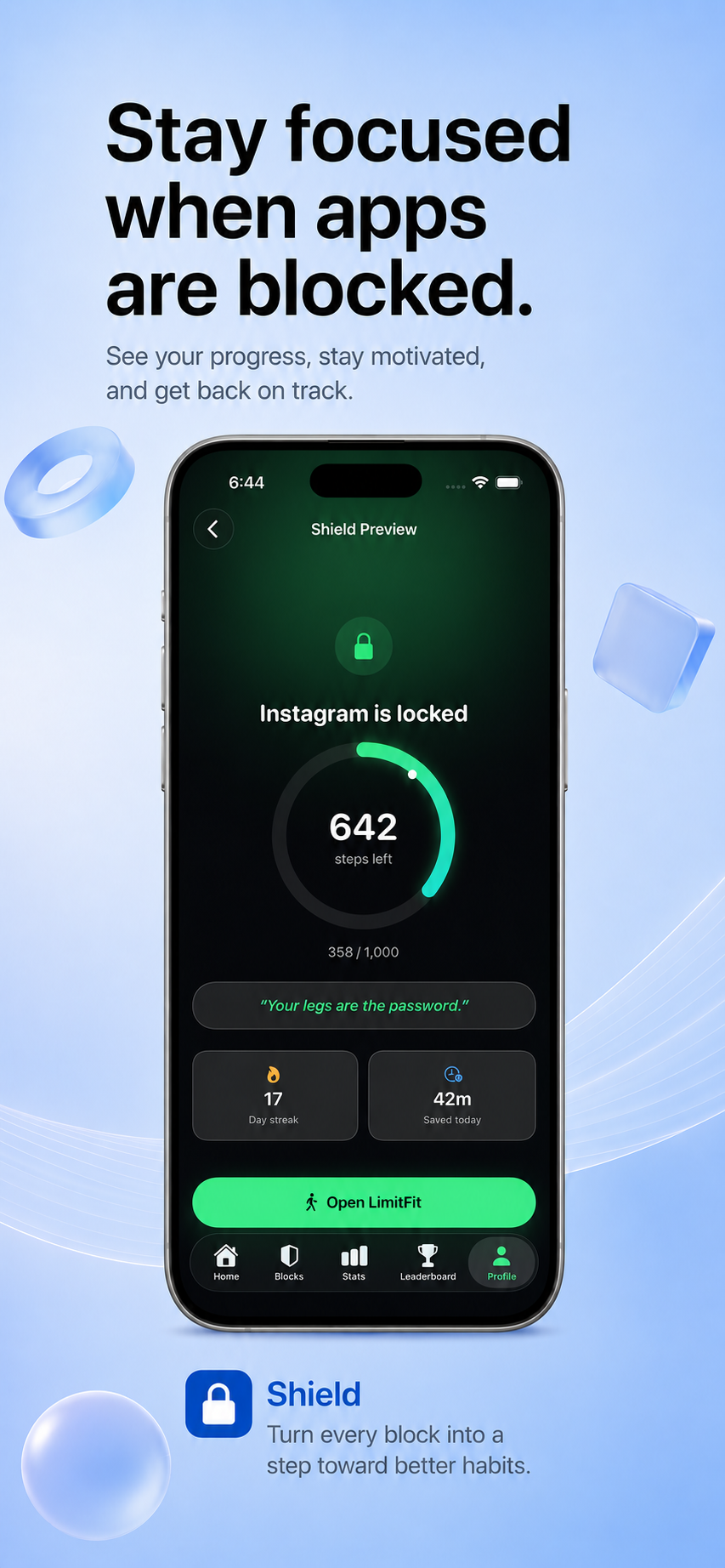
Best App Blocker for People Who Want to Move More
Compare app blockers, focus apps, and step-based tools to find the best option for reducing screen time while moving more.
Read article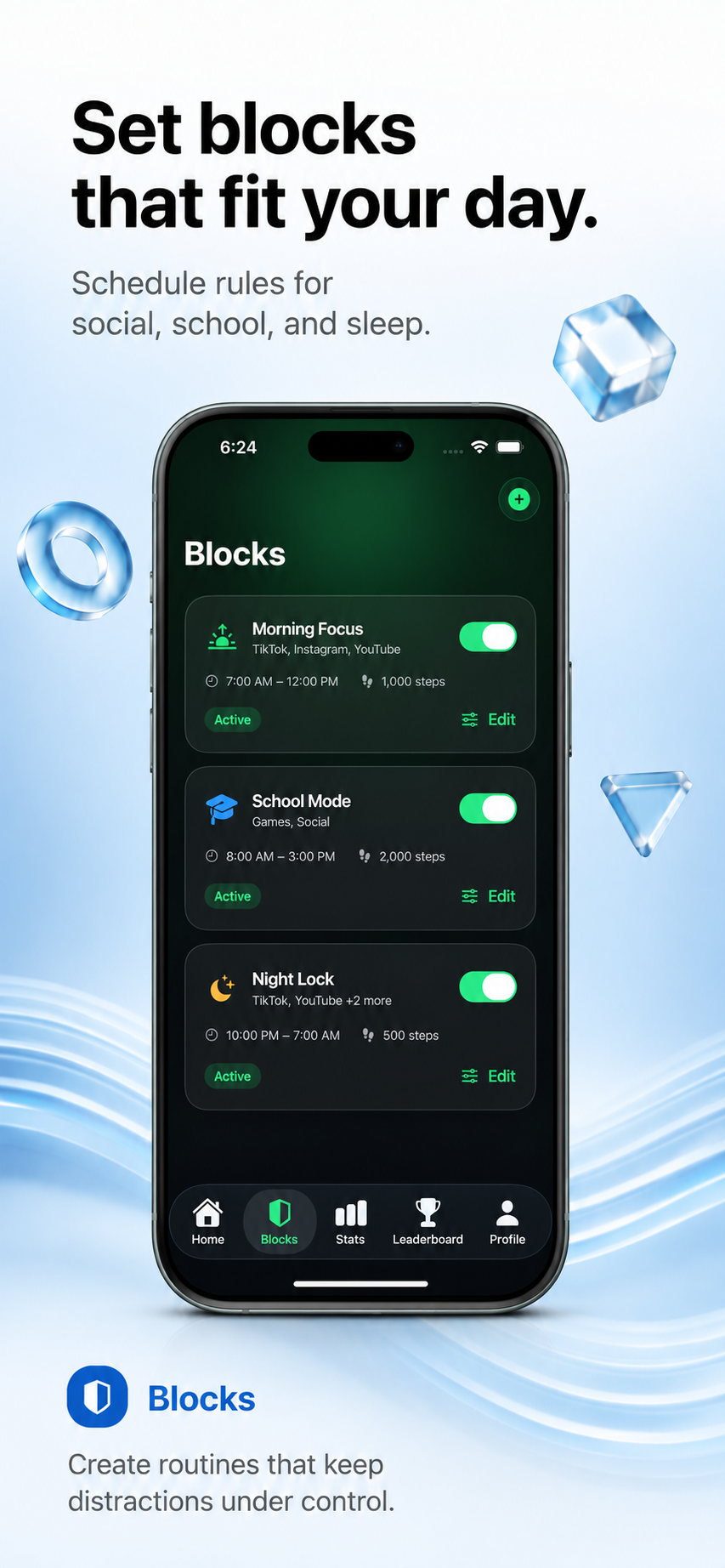
How to Block Apps Until You Walk on iPhone
Learn how step-based app blocking works on iPhone and how LimitFit helps you earn screen time by walking.
Read article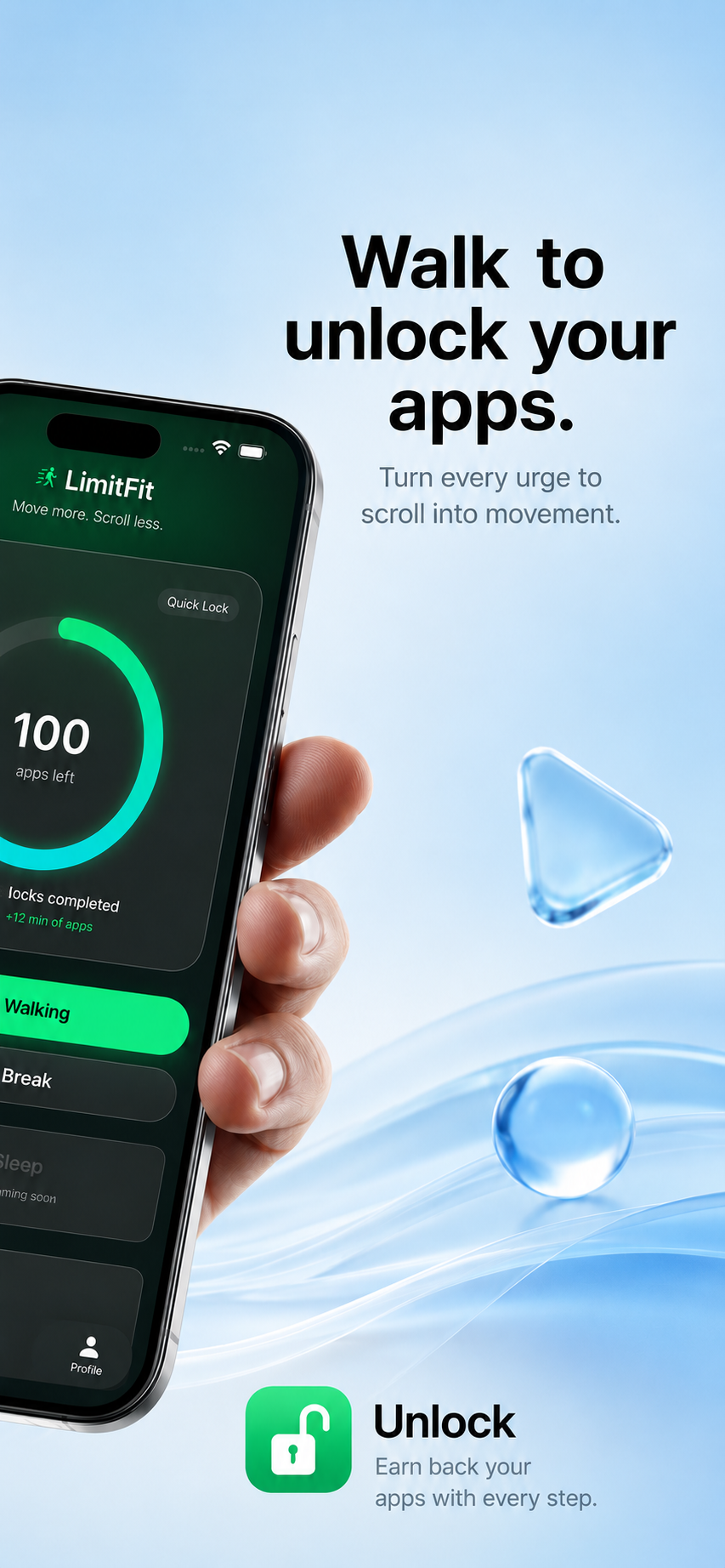
LimitFit vs one sec: App Blocking or App Friction?
Compare LimitFit and one sec to see whether step-based app blocking or friction-based social media control is better for you.
Read article