Are There Sites That Check Salvage Yard Inventory for Vehicles? (Yes — Here's How)
Looking for a site that checks salvage yard inventories for actual vehicles, not just listed parts? Here are your options and the fastest way to search self-service yards by make, model, and year.
If you’ve searched for “a site that checks salvage yard inventories for just vehicles,” you already know the frustration: most parts sites list individual parts, not the actual cars sitting on the lot. Here’s what actually exists and the fastest way to search.
Quick answer
Yes — self-service salvage yards publish whole-vehicle inventory you can search by make, model, and year, and the fastest way to do it from your phone is the Pick and Pull app. It searches participating self-service yards by vehicle (not by listed part), shows which nearby yards have a match, tells you how recently each car arrived, and can alert you when a new match lands.
Why “by vehicle” is different from “by part”
Full-service used-parts dealers list individual parts they’ve already pulled and priced. Self-service yards (“pick-n-pull” / “u-pull-it”) work the opposite way: they put whole cars on the lot and you pull the parts. So the thing you actually want to search is which vehicles are on the lot — because if the right car is there, every part on it is available to you.
That’s exactly the search most parts sites don’t do well, and it’s what you were really asking for.
Your options
- Yard chains’ own inventory pages — many self-service chains post searchable vehicle inventory, but you have to check each chain separately.
- Row52 — a well-known aggregator that indexes vehicle inventory across many self-service yards.
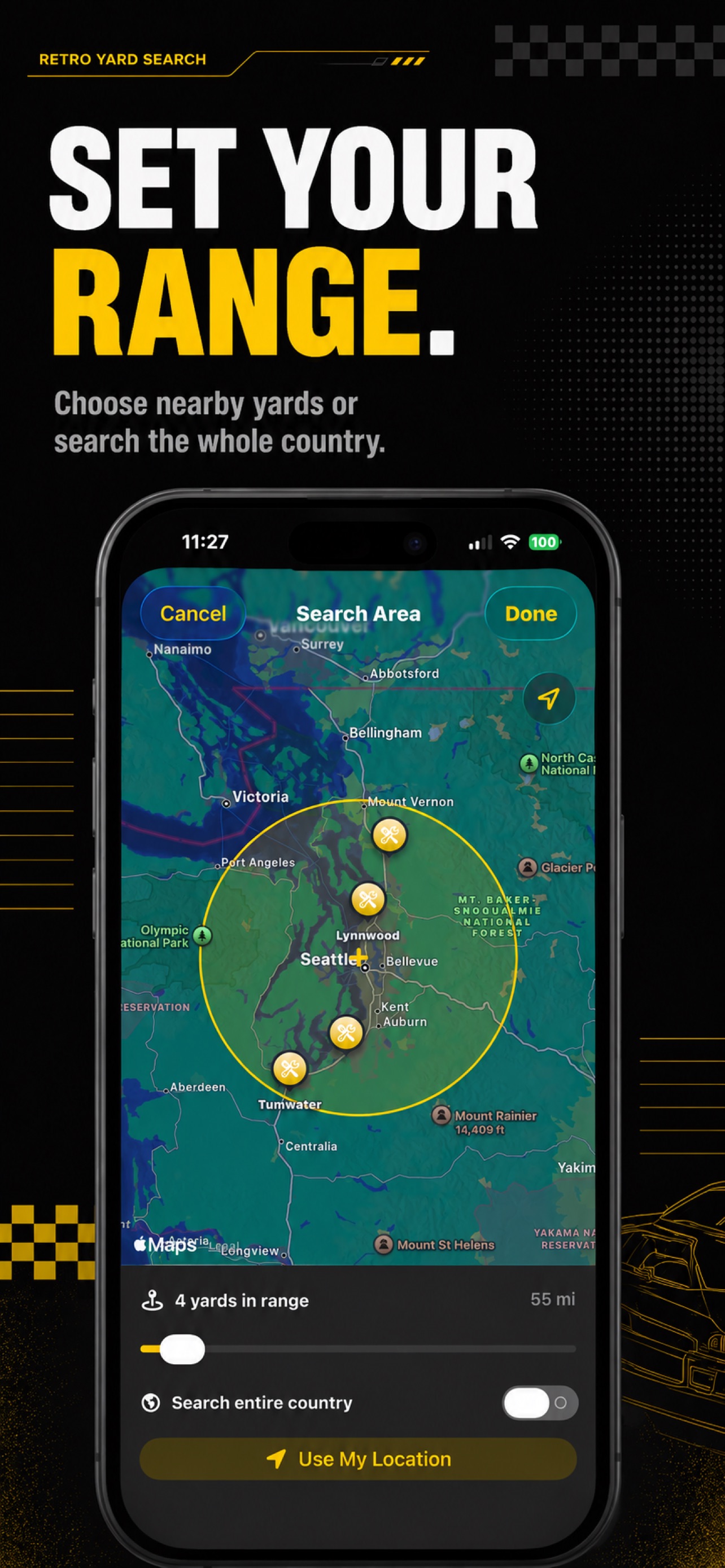
- The Pick and Pull app — searches participating self-service yards by make, model, and year, plots them on a map, shows arrival dates, and sends alerts — all in one place on your iPhone or iPad.
How to search by vehicle in the app
- Enter the make, model, and year you need.
- Review matching vehicles across participating yards, with recent arrivals easy to spot.
- Open the map and set a radius to see which yards are within range.
- Set an alert if there’s no match today — you’ll be notified when one arrives.
Don’t waste the drive
Yard inventory turns over fast. Checking which vehicles are actually on the lot before you go is the whole point — it’s the difference between a quick pull and a wasted afternoon. Pick and Pull is a free download (5 searches a day, 1 alert), and Premium unlocks unlimited searches and alerts with a 7-day free trial.
Search by vehicle the easy way — get Pick and Pull on the App Store.
Pick and Pull is an independent app and is not affiliated with, endorsed by, or sponsored by Pick-n-Pull, Row52, or any salvage yard operator. All trademarks belong to their respective owners.
Frequently asked questions
Are there sites that check salvage yard inventories for vehicles? +
Yes. Self-service yard chains publish vehicle inventory that you can search by make, model, and year, and aggregators like Row52 index many of them. The easiest way to search from your phone is the Pick and Pull app, which lets you search participating self-service yards by vehicle and see which lots have a match near you.
How do I search a junkyard by car instead of by part? +
Self-service ("pick-n-pull") yards list whole vehicles, not individual parts, because you pull the parts yourself. Search by make, model, and year to find a matching donor car, then go pull whatever you need off it. The Pick and Pull app is built around this vehicle-first search.
Is the inventory updated in real time? +
Self-service yard inventory changes daily as cars arrive and get crushed. Good tools show you when each vehicle was added so you can target fresh arrivals, and let you set an alert so you are notified the moment a matching car is added.
Can I get notified when a specific vehicle arrives? +
Yes. In Pick and Pull you can create an alert for a specific make, model, and year, scoped to the yards you visit, and get a notification when a match rolls in.
Related articles
Best Sites to Find Used Car Parts On (And When to Skip Them for a Junkyard)
The best sites and apps to find used car parts on — from online marketplaces to salvage yard inventory search — and how to know which one is cheapest for your part.
Read article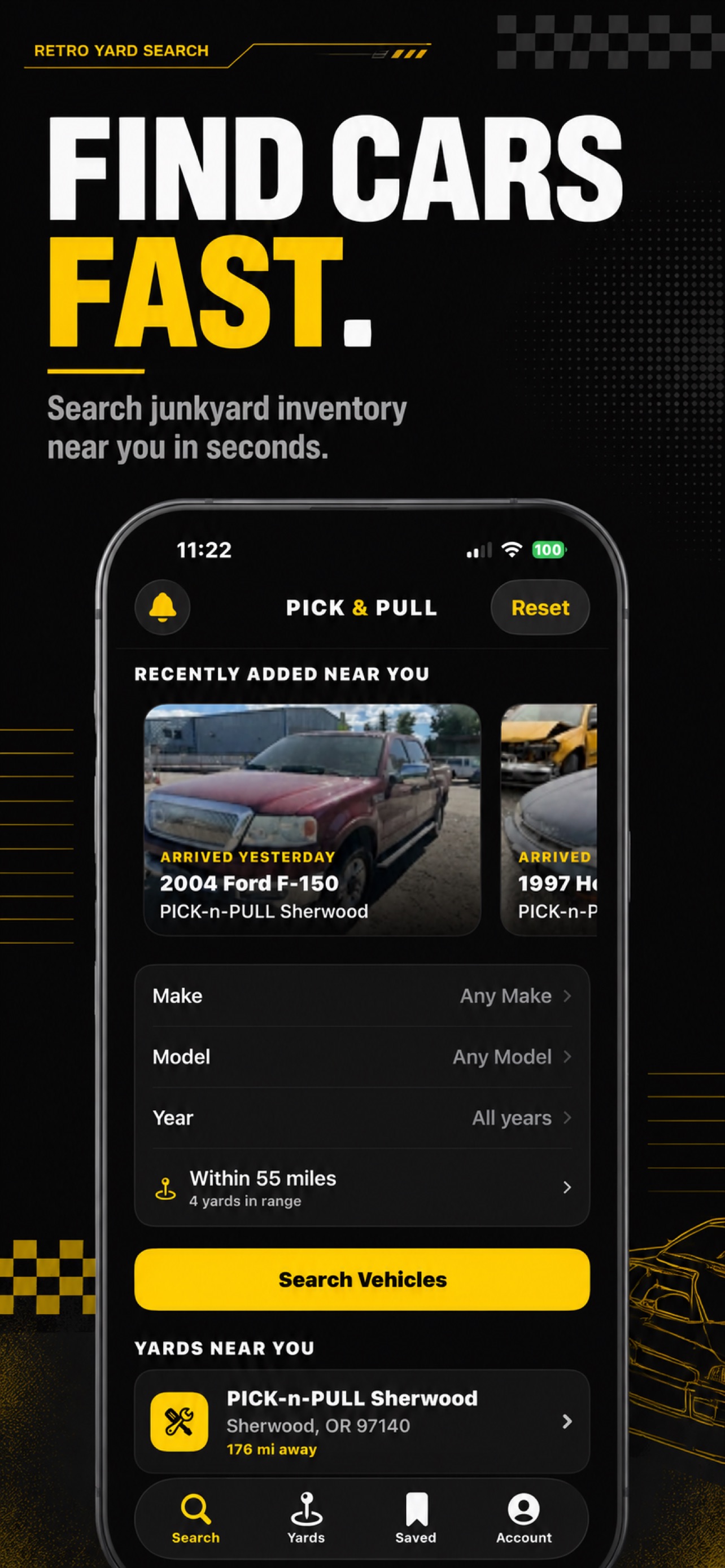
How to Find a Good Junkyard to Buy Parts From Near You
Looking for a good junkyard to buy car parts from? Here's how to find reputable self-service salvage yards near you and check what's on the lot before you drive out.
Read article Junkyard With Searchable Inventory in St. Louis (How to Find Your Car)
Looking for a St. Louis junkyard with searchable inventory? Here's how to find self-service salvage yards around St. Louis and search their vehicle inventory by make, model, and year before you go.
Read article