Screen Time App for ADHD: Why Movement-Based Blocking Can Help
Movement-based app blocking can help people who struggle with impulsive app opening by adding a clear physical action first.
Screen Time App for ADHD: Why Movement-Based Blocking Can Help
People with ADHD or ADHD-like focus struggles often describe opening apps automatically. The phone is in the hand, the app is open, and the scroll starts before they fully notice it.
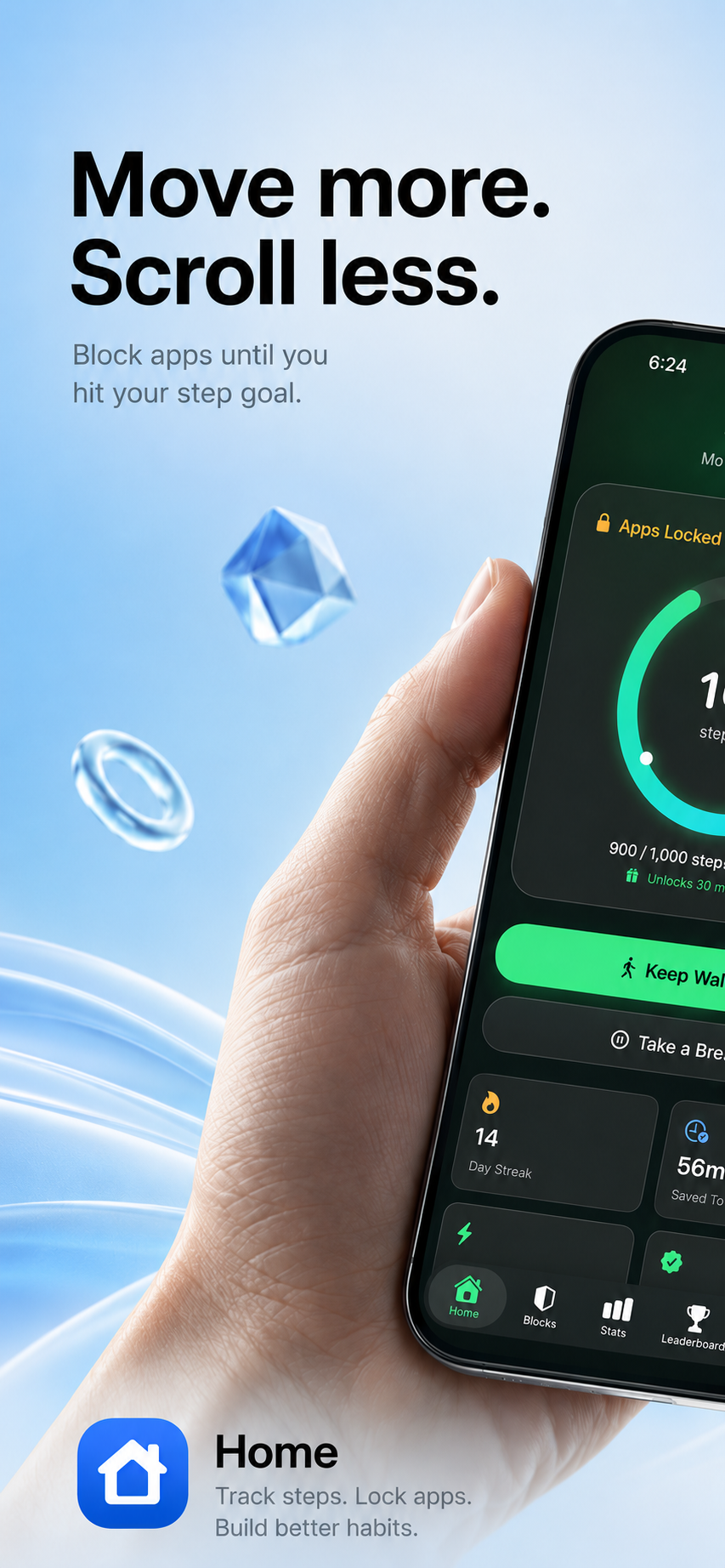
LimitFit is designed to interrupt that loop with a physical action: walk first, unlock later.
Important: LimitFit is not a medical treatment and does not diagnose or treat ADHD. It is a habit tool that may help some users create better phone boundaries.
Why normal limits may not be enough
Basic screen time limits can be too easy to dismiss. When the urge is strong, tapping “ignore limit” is effortless.
Movement-based blocking adds a more meaningful pause.
Instead of one tap, the user has to complete a step goal.
Why movement is useful
Movement gives the brain something active to do. Even a short walk can create a reset point between the urge and the app.
LimitFit turns app access into a sequence:
- Notice the app is blocked.
- See the remaining steps.
- Move your body.
- Return with more intention.
Best setup for focus struggles
Start with low friction:
- Quick Lock: 250 steps
- Social apps: 500 steps
- Entertainment apps: 1,000 steps
- Streak goal: complete one block per day
Too strict can backfire. The goal is to build consistency.
Helpful blocked screen copy
For users who dislike harsh messaging, use friendly or calm quotes:
- “Tiny walk, big win.”
- “You’re closer than you think.”
- “One lap around the block and you’re back.”
- “Move now. Decide later.”
Frequently asked questions
Is LimitFit an ADHD app?
LimitFit is not a medical ADHD app. It is a screen time and movement habit app that may help users who struggle with impulsive app use.
Should the app use harsh quotes?
Not for everyone. LimitFit should let users choose a tone, such as Friendly, Tough Coach, Monk, Funny, or Minimal.
What is the best step goal for beginners?
Start with 250 or 500 steps. Consistency matters more than intensity.
Bottom line
For people who open apps automatically, awareness alone may not be enough. Movement-based blocking adds a real-world action between the urge and the scroll.
Related articles
The Best Screen Time App for Students Who Need to Focus
Students can use movement-based app blocking to reduce distractions, build focus, and earn entertainment apps after walking.
Read article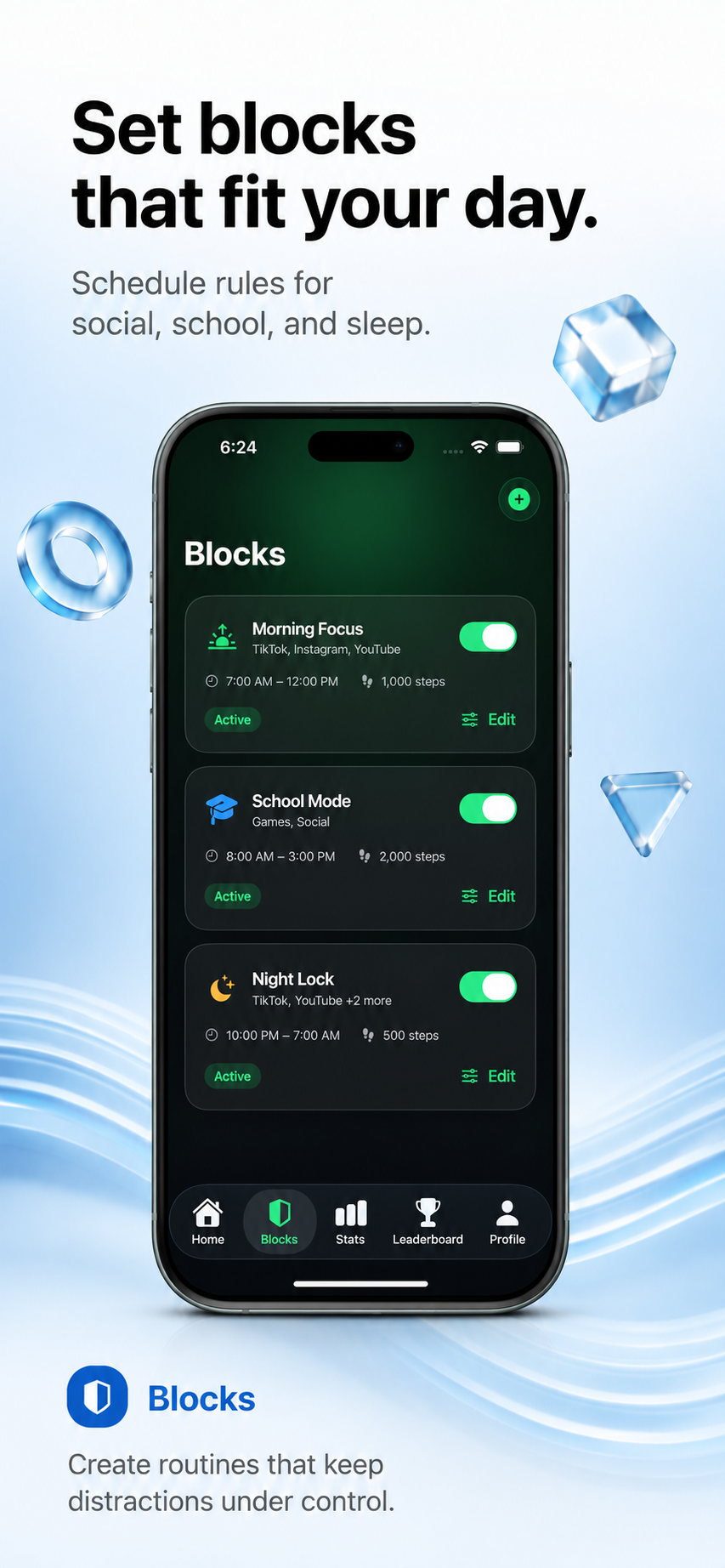
How to Block Apps Until You Walk on iPhone
Learn how step-based app blocking works on iPhone and how LimitFit helps you earn screen time by walking.
Read article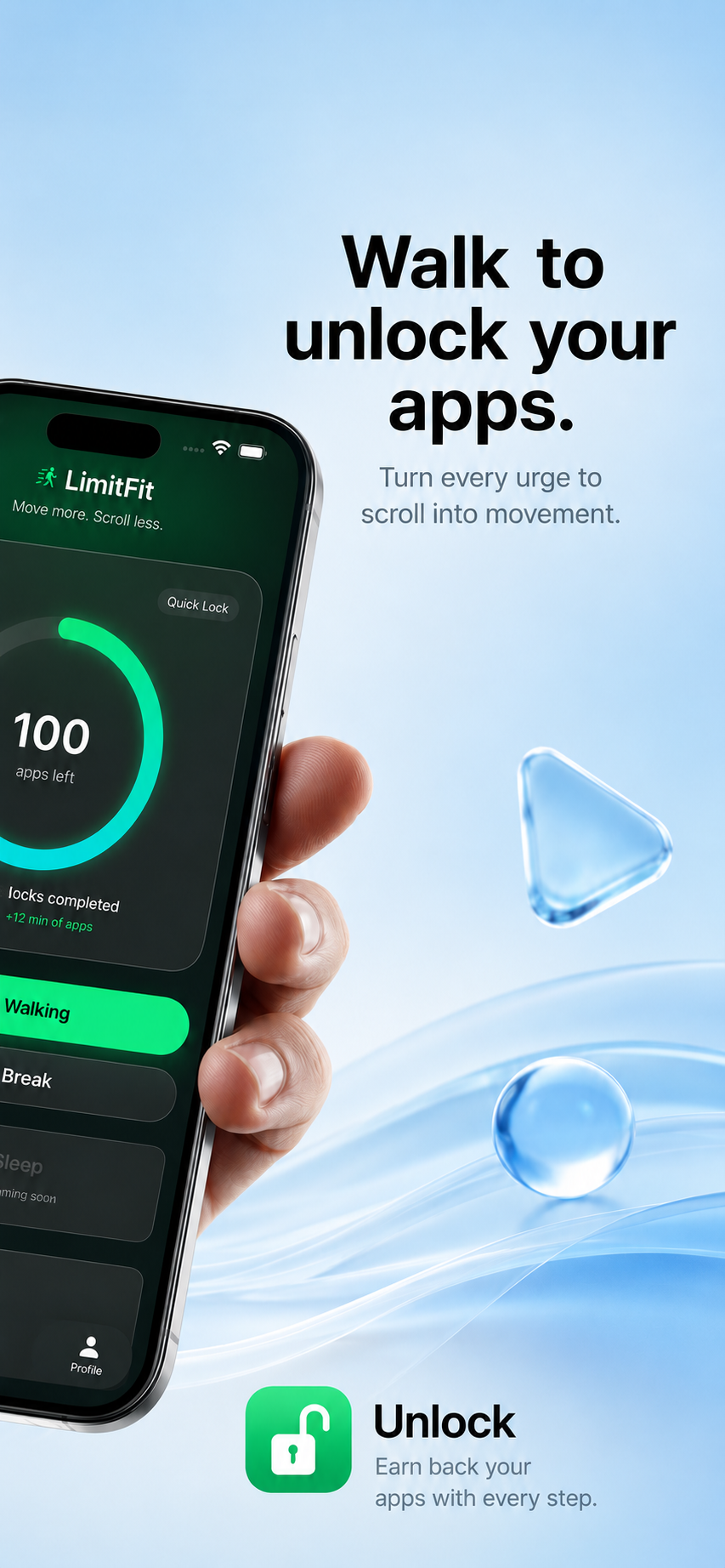
LimitFit vs one sec: App Blocking or App Friction?
Compare LimitFit and one sec to see whether step-based app blocking or friction-based social media control is better for you.
Read article